10 Essential Web Developer Tools to Boost Productivity in 2024
Discover the top 10 web developer tools that will skyrocket your productivity, streamline your workflow, and help you build better websites faster in 2024.
The landscape of web development is constantly shifting. New frameworks emerge, browser capabilities expand, and user expectations continue to rise at an unprecedented pace. In this dynamic environment, a developer's efficiency is heavily dependent on the quality of their toolchain. Finding the right tools can mean the difference between a project delivered on time and one mired in technical debt and missed deadlines.
In 2024, the focus has shifted entirely towards intelligent automation, streamlined workflows, and high-performance outputs. Developers are no longer just writing code; they are architecting scalable experiences. To achieve this, you need a robust suite of tools designed to handle repetitive tasks, catch errors early, and optimize your final product for the modern web.
Whether you are a seasoned front-end engineer, a full-stack architect, or just beginning your journey into the world of web development, optimizing your toolset is the highest-leverage activity you can undertake. In this comprehensive guide, we will explore the top 10 essential web developer tools that are guaranteed to boost your productivity in 2024.
1. Advanced CSS Generators and Frameworks
CSS has evolved drastically from the days of simple floats and margins. Today, modern CSS encompasses complex grid systems, custom properties (variables), container queries, and intricate animations. Managing this complexity manually is not only time-consuming but highly error-prone.
This is where modern CSS frameworks and generators come into play. Utility-first frameworks like Tailwind CSS have revolutionized how we style applications by providing low-level utility classes that let you build completely custom designs without ever leaving your HTML. This approach drastically reduces the context-switching between HTML and CSS files, speeding up the development process.
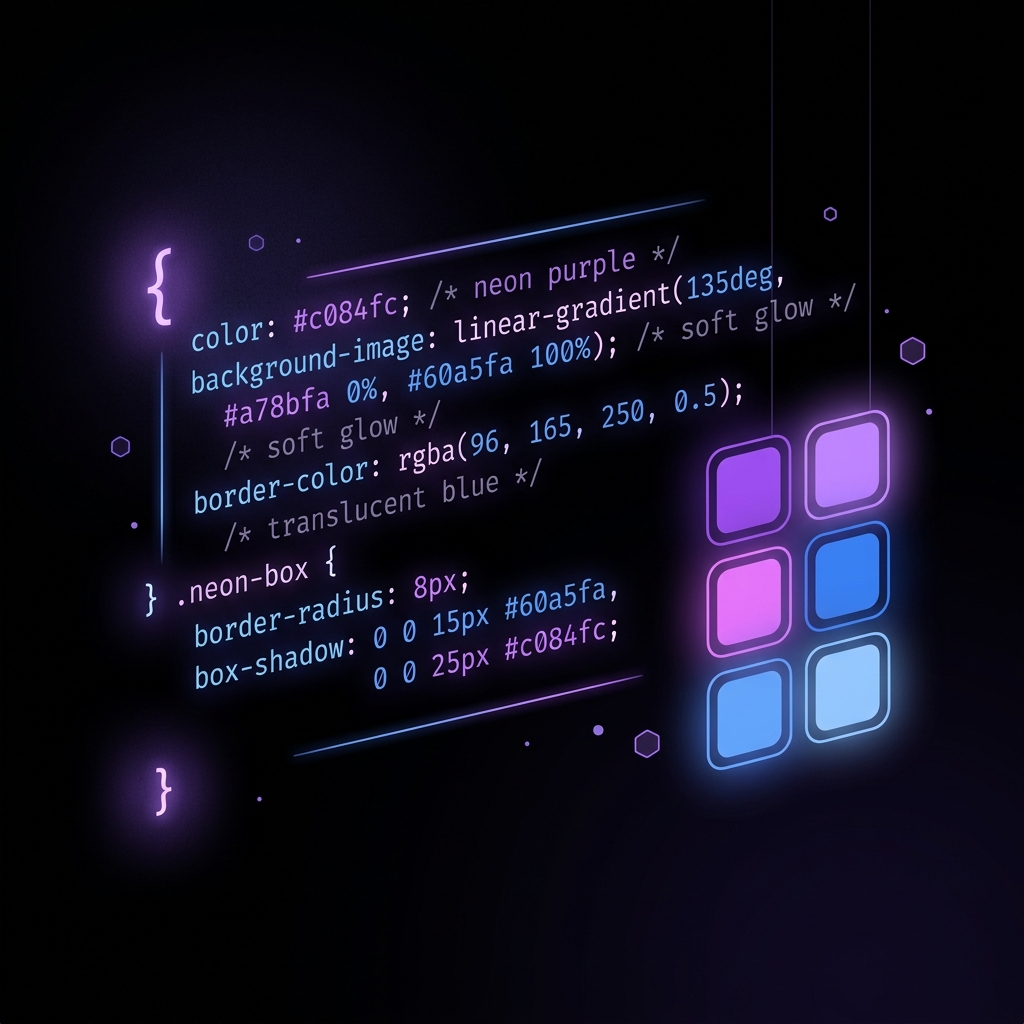
Furthermore, online CSS generators—such as those available right here on Fabools—allow you to visually craft complex styles like nuanced box shadows, intricate gradients, and sophisticated flexbox or grid layouts. These tools generate the cross-browser compatible CSS code instantly, eliminating the guesswork and saving you hours of tweaking values in the browser developer tools.
2. AI-Powered Code Assistants
Perhaps the most significant paradigm shift in recent years has been the integration of Artificial Intelligence into the development workflow. AI-powered code assistants like GitHub Copilot, Tabnine, and cursor have moved beyond simple autocomplete; they now understand the context of your entire codebase.
These intelligent tools can generate entire functions, suggest optimized algorithms, write unit tests, and even explain legacy code that lacks documentation. By handling the boilerplate and mundane typing, AI assistants allow developers to focus their cognitive energy on higher-level architectural decisions and complex problem-solving. Embracing AI in 2024 is no longer optional if you want to remain competitive; it is a fundamental requirement for peak productivity.
3. Next-Generation Build Tools and Bundlers
For years, Webpack was the undisputed king of module bundling. However, its notoriously complex configuration and slow build times on large projects led to a demand for better solutions. Enter the next generation of build tools: Vite, Turbopack, and esbuild.
Vite, in particular, has seen massive adoption due to its exceptionally fast cold server start times and instant Hot Module Replacement (HMR). By leveraging native ES modules in the browser during development, Vite bypasses the need to bundle the entire application before serving it. This results in a development experience that feels instantaneous, regardless of the project\'s size. Faster feedback loops directly translate to higher productivity and a less frustrating development experience.

4. Automated Code Formatters and Linters
Code consistency is critical, especially when working within a team. Arguments over tabs versus spaces, or where to place curly braces, are a massive drain on productivity. Automated tools like Prettier and ESLint eliminate these discussions entirely.
Prettier is an opinionated code formatter that parses your code and re-prints it with its own rules, guaranteeing a uniform style across your entire project. ESLint, on the other hand, statically analyzes your code to quickly find problems, enforce coding standards, and even automatically fix issues. Integrating these tools into your editor and setting them to run automatically on save ensures that your codebase remains pristine without any manual effort.
5. API Testing and Documentation Platforms
The modern web is built on APIs. Whether you are building a decoupled React frontend or a complex microservices architecture, interacting with APIs is a daily task. Tools like Postman and Insomnia are indispensable for this workflow.
These platforms allow you to construct complex HTTP requests, save environments for different deployment stages (local, staging, production), and automate API tests. Furthermore, they offer excellent documentation generation, making it easy to share API specifications with frontend teams or third-party integrators. By streamlining the API testing process, these tools significantly reduce debugging time.
6. Browser Developer Tools (Beyond the Basics)
Every web developer uses browser developer tools, but many only scratch the surface of their capabilities. Beyond simply inspecting the DOM and viewing console logs, modern DevTools in Chrome, Firefox, and Edge offer profound insights into performance and accessibility.
The Performance tab allows you to profile your application, identifying main thread bottlenecks, layout thrashing, and memory leaks. The Network tab provides waterfall charts to optimize asset loading. Furthermore, built-in Lighthouse audits give you actionable advice on improving SEO, performance, and accessibility. Mastering these advanced features is crucial for building high-quality, performant web applications.
7. Seamless Design Handoff with Figma
The bridge between design and development has historically been a point of friction. Figma has effectively solved this problem by providing a collaborative, cloud-based design tool that both designers and developers love.
Figma’s Dev Mode provides developers with everything they need to translate designs into code. You can easily extract CSS properties, download optimized assets (like SVGs and WebPs), and view precise measurements and spacing. This seamless handoff eliminates the need for endless back-and-forth communication, allowing developers to implement designs accurately and rapidly.
8. Containerization and Local Environments
"It works on my machine" is a phrase that should be permanently retired. Docker has made this possible by allowing developers to package applications and their dependencies into standardized units called containers.
Using Docker and Docker Compose, you can define your entire stack—database, caching layer, and application servers—in a single configuration file. This guarantees that your local development environment perfectly mirrors production, eliminating deployment surprises. While there is a learning curve, the stability and portability Docker provides are invaluable for long-term productivity.
9. Comprehensive CI/CD Pipelines
Continuous Integration and Continuous Deployment (CI/CD) pipelines automate the process of testing and deploying your code. Platforms like GitHub Actions, GitLab CI, and Vercel have made it incredibly easy to set up robust pipelines.
A good CI/CD pipeline acts as a safety net. Every time you push code, the pipeline automatically runs your test suite, checks for linting errors, and builds the application. If everything passes, the code is automatically deployed to a staging or production environment. This automation removes the manual overhead of deployment and gives you the confidence to ship updates frequently and reliably.
10. Performance Monitoring and Error Tracking
Your job doesn't end once the code is deployed. Understanding how your application performs in the wild is critical. Tools like Sentry and LogRocket provide deep insights into production errors and user experiences.
Sentry automatically captures exceptions and provides detailed stack traces, identifying exactly which line of code caused the issue and the context of the user\'s session. LogRocket goes a step further by recording user sessions, allowing you to replay exactly what the user did leading up to a bug. Finding and fixing production issues quickly is a massive productivity booster, ensuring you spend less time firefighting and more time building new features.
Conclusion
Maximizing your productivity as a web developer isn't about working longer hours; it's about working smarter. By integrating these 10 essential tools into your workflow in 2024, you can automate mundane tasks, catch errors instantly, and focus on what you do best: building incredible digital experiences.
Remember, the best tool is the one that solves a specific problem in your workflow. Don't be afraid to experiment with new technologies and continually refine your toolset.
If you are looking for quick, ad-free, and high-performance developer utilities to speed up your daily tasks, be sure to explore our curated collection of tools right here on Fabools. From CSS generators to complex calculators, we have everything you need to stay productive.